
The WordPress Maintenance Checklist Most Site Owners Ignore
WordPress sites don't break all at once — they break slowly, one ignored update at a time. A realistic maintenance checklist and real examples of what neglect actually costs.
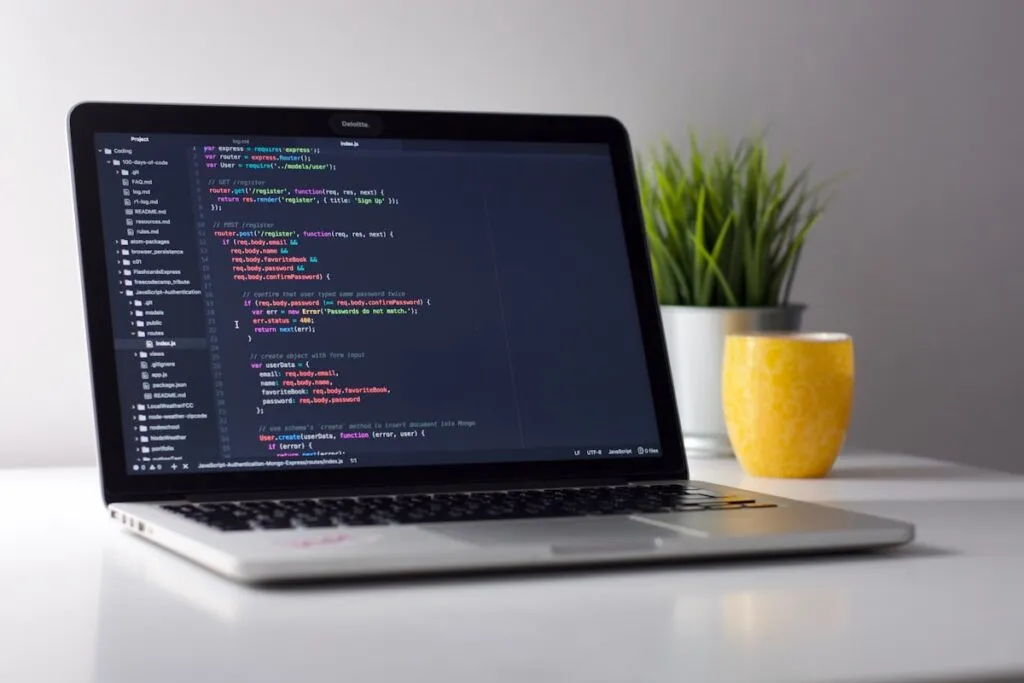
Most WordPress sites don’t break all at once. They break slowly, one ignored update at a time, until a plugin conflict takes down the checkout page or a security hole gets exploited and nobody notices for three weeks. “Set it and forget it” is the most expensive way to run a WordPress site — here’s what actually needs regular attention, and what genuinely happens when it doesn’t get it.
What actually needs maintaining
Core, theme, and plugin updates
WordPress core, your theme, and every plugin update independently and on their own schedule. Updates patch security vulnerabilities — but they can also break compatibility with each other. This is why “just click update” isn’t a real maintenance strategy; it needs to happen on a staging environment first, or at minimum with a recent backup ready to roll back to.
Backups that are actually tested
A backup you’ve never restored from isn’t a backup, it’s a hope. We’ve seen sites with “daily backups” that had been silently failing for months because a storage quota was hit — nobody found out until they needed one.
Security monitoring
WordPress powers a huge share of the web, which makes it a constant target for automated attacks. Malware injections, spam link insertion, and compromised admin accounts are common — and often invisible to the site owner until Google flags the site or a customer reports something strange.
Uptime and error monitoring
A site that goes down at 2am on a Saturday and comes back up at 9am Monday has been losing traffic, leads, and sales the entire time, with nobody aware until someone happens to check.
Broken link and 404 checks
Plugin updates, theme changes, and content edits create broken internal links over time. Left unchecked, this quietly damages both user experience and SEO.
What we’ve actually seen go wrong from neglect
A production e-commerce site with a live spam injection that had been active for weeks, undetected, actively hurting the site’s search rankings. A tax configuration bug that silently overcharged customers on shipping for months before anyone noticed. A “daily backup” plugin that had been failing silently since a hosting migration. None of these were dramatic, all-at-once failures — they were slow, quiet damage that compounded because nobody was watching.
A realistic maintenance checklist
- Weekly: check for and apply core/theme/plugin updates on staging first
- Weekly: verify the latest backup actually exists and is restorable
- Monthly: run a security scan and review admin user access
- Monthly: check for broken links and 404 errors
- Monthly: review uptime logs and page speed trends
- Quarterly: audit installed plugins — remove anything unused
The honest math
A few hours of monthly maintenance costs far less than the emergency fix after a security breach, a broken checkout during a sale, or a Google penalty from an undetected spam injection. This isn’t upselling a retainer — it’s the same math as changing your car’s oil versus waiting for the engine to seize.
If your site hasn’t had a real maintenance check in a while, we’ll audit it and tell you honestly what’s actually at risk — not just sell you a retainer you don’t need.