
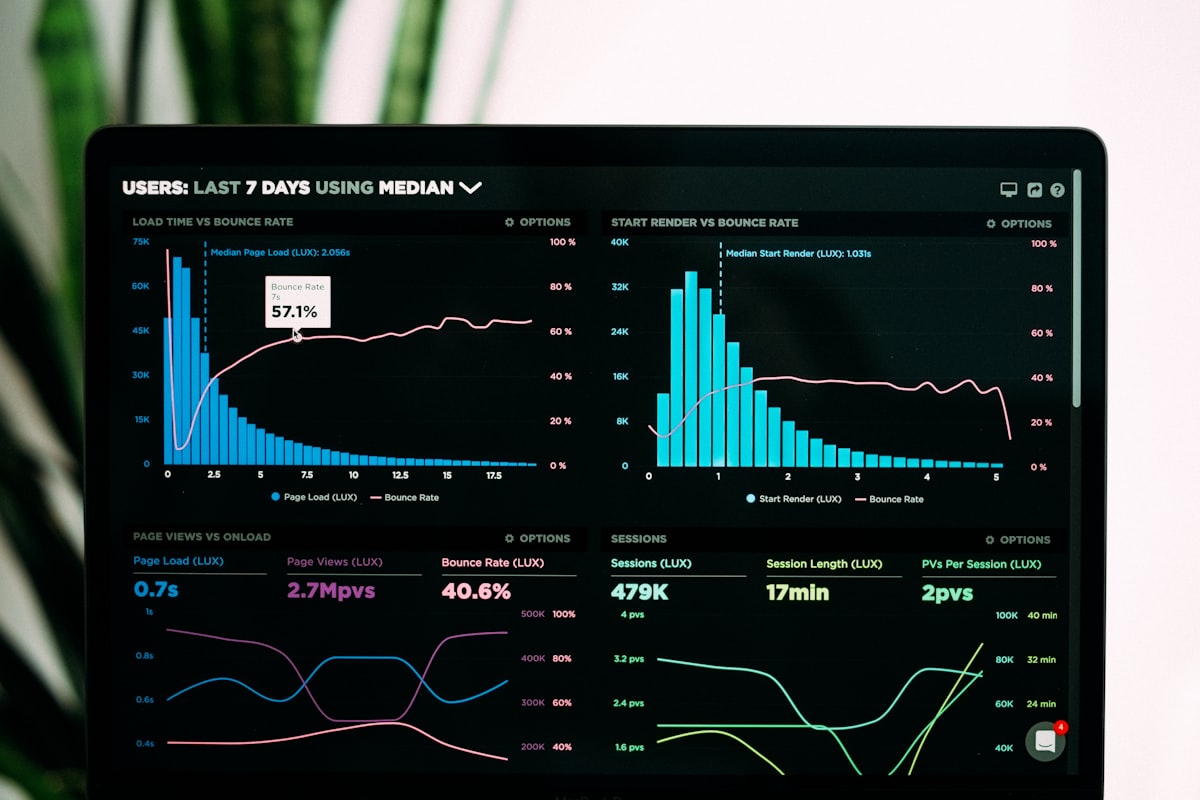
“Core Web Vitals” gets thrown around a lot in SEO advice, usually alongside a screenshot of a red score and vague advice to “optimize images.” Here’s what the metrics actually measure, why your WordPress site is probably failing at least one of them, and what actually moves the needle — not the generic checklist version.
The three metrics that actually matter
LCP — Largest Contentful Paint
This measures how long it takes the biggest visible element — usually a hero image or headline — to render. Google wants this under 2.5 seconds. On WordPress, LCP usually suffers because of unoptimized hero images, render-blocking CSS/JS from page builders, or slow hosting that takes too long to respond in the first place.
INP — Interaction to Next Paint
This replaced First Input Delay in 2024 and measures how responsive your site feels when someone actually clicks or taps something. Heavy JavaScript — often from page builders, chat widgets, and third-party scripts all fighting for the main thread — is the usual culprit. This is the metric most WordPress sites quietly fail without realizing it.
CLS — Cumulative Layout Shift
This measures visual stability — does content jump around as the page loads? Images without dimensions set, web fonts loading late and causing text reflow, and ads or embeds injecting content after the fact are the usual causes.
Why WordPress sites struggle with this specifically
Page builders like Elementor and Bricks are fantastic for building fast, but they generate more DOM elements and CSS than hand-coded HTML. Add a handful of plugins — each with their own CSS and JS files — and a theme that wasn’t built with performance in mind, and you get a site that looks great but loads like it’s wading through mud.
What actually fixes it (not the generic advice)
- Real image optimization — not just “compress your images,” but serving next-gen formats (WebP/AVIF), correctly sized for their display dimensions, with explicit width/height attributes to prevent layout shift.
- Cutting dead plugin weight — every plugin loads CSS and JS whether you use its features on a given page or not, unless it’s specifically built to avoid that. Auditing and removing unused plugins is often worth more than any “speed plugin.”
- Server-level caching done correctly — not just installing a caching plugin, but configuring it so it doesn’t break dynamic content, forms, or logged-in experiences (a mistake we see constantly on Hostinger/LiteSpeed setups, where aggressive caching can silently break form nonces).
- Deferring non-critical JavaScript — chat widgets, analytics scripts, and tracking pixels don’t need to block your main thread. Loading them after the page is interactive fixes INP more than almost anything else.
- A hosting plan that can actually respond fast — no amount of front-end optimization fixes a server that takes 800ms just to start sending bytes.
Why this is worth fixing beyond the Google score
Core Web Vitals correlate with real user experience — slow, janky sites convert worse regardless of what Google thinks. We’ve taken sites from a 3+ second load time down to under a second and watched bounce rate drop directly as a result. The PageSpeed score is a symptom; the actual goal is a site that doesn’t frustrate the person trying to give you money.
If you want a straight answer on what’s actually slowing your site down — not a 40-point generic checklist — send us the URL and we’ll tell you what’s really happening.